 AngioSuite3D
3D from the patient's scan
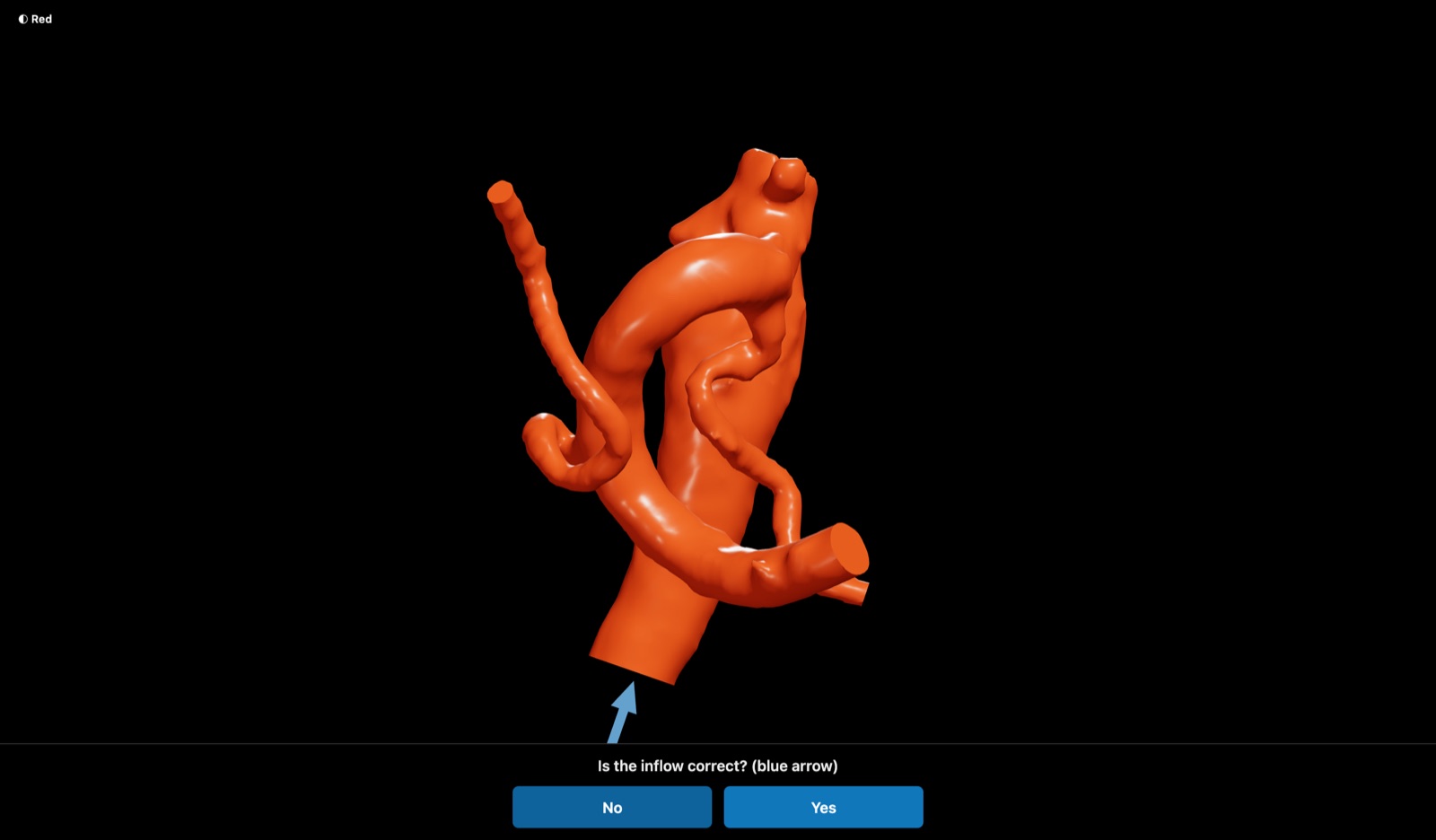
Load a 3D rotational angiography DICOM study and AngioSuite3D reconstructs the vessels and aneurysm directly from the source volume, for the most accurate model available. The reconstruction then feeds the same sizing, placement and compatibility tools as the templates.
DICOM reconstruction is by invitation: it is enabled once one of your sponsors approves you for access.
Step 1
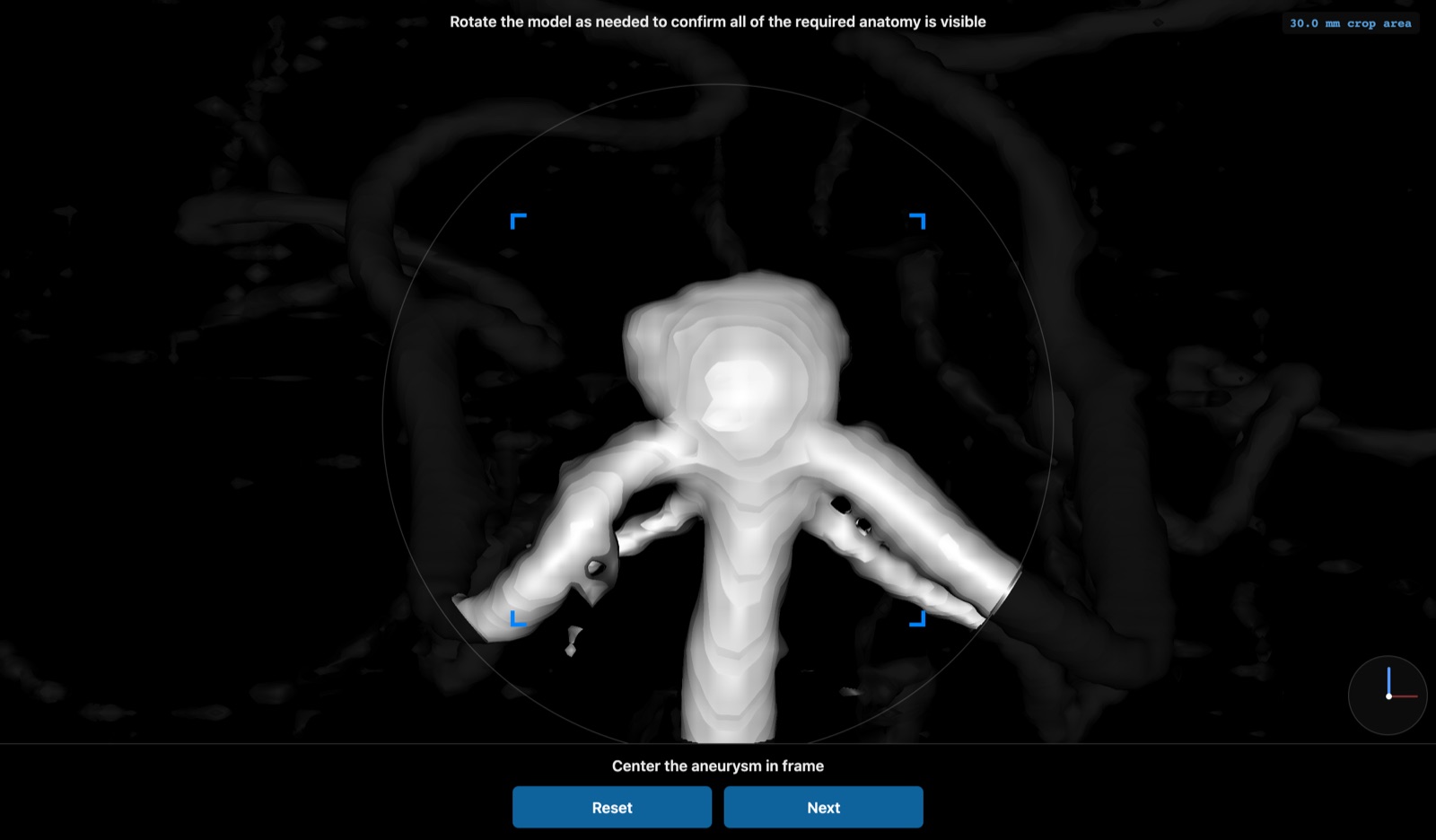
Load and frame
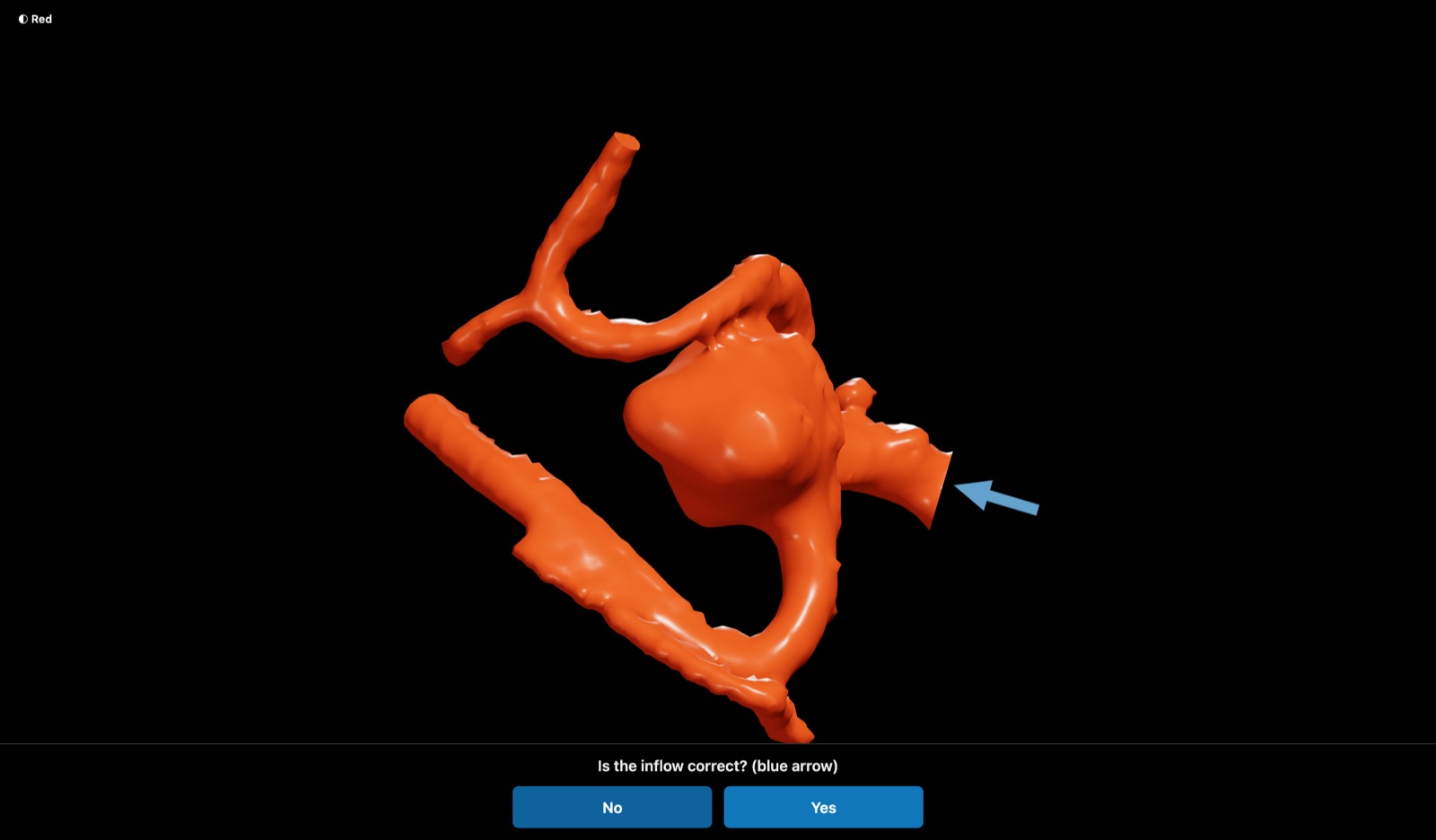
Open the study and centre the aneurysm. The surrounding vasculature stays visible for context.
Step 2
Reconstruct
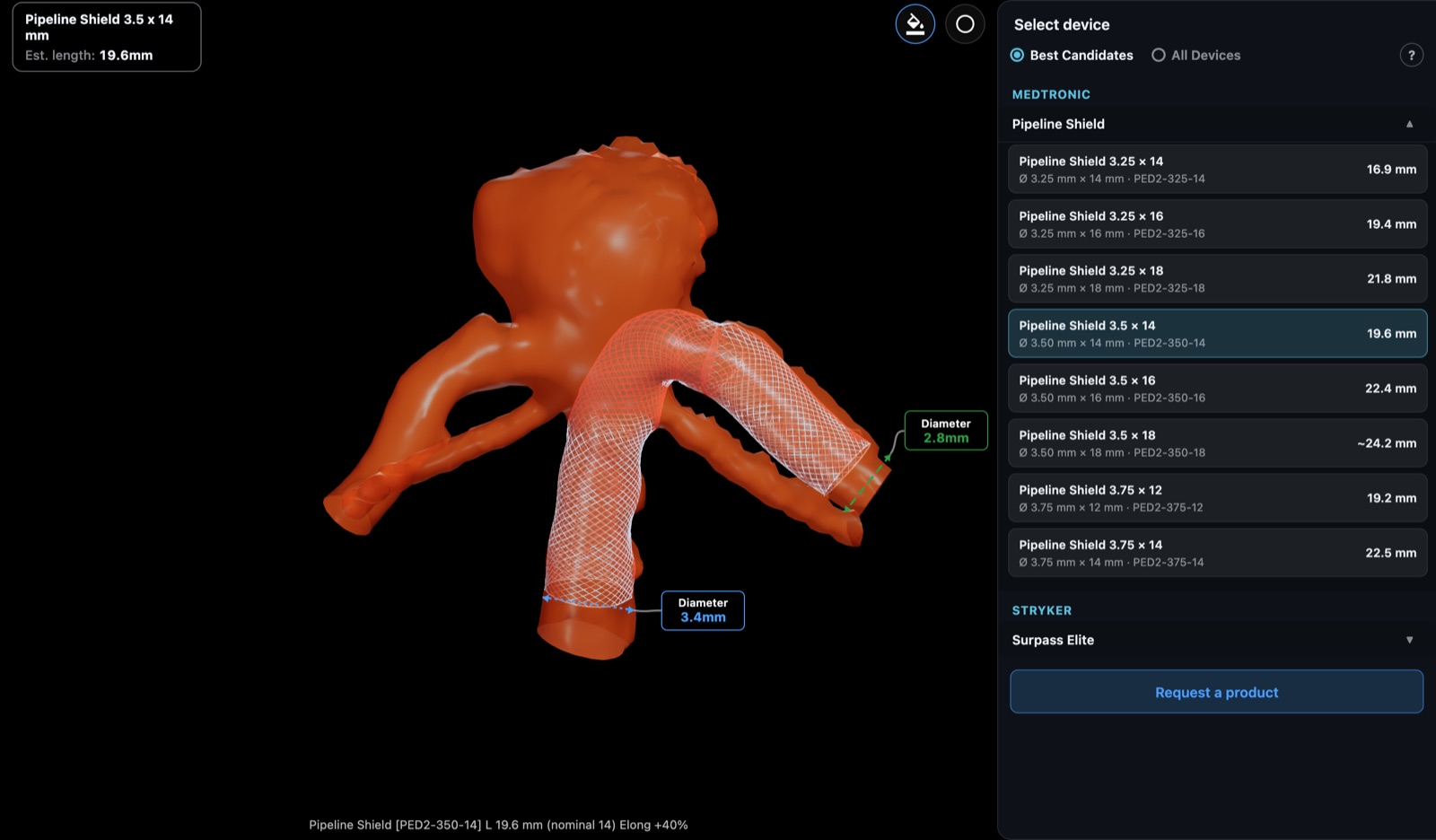
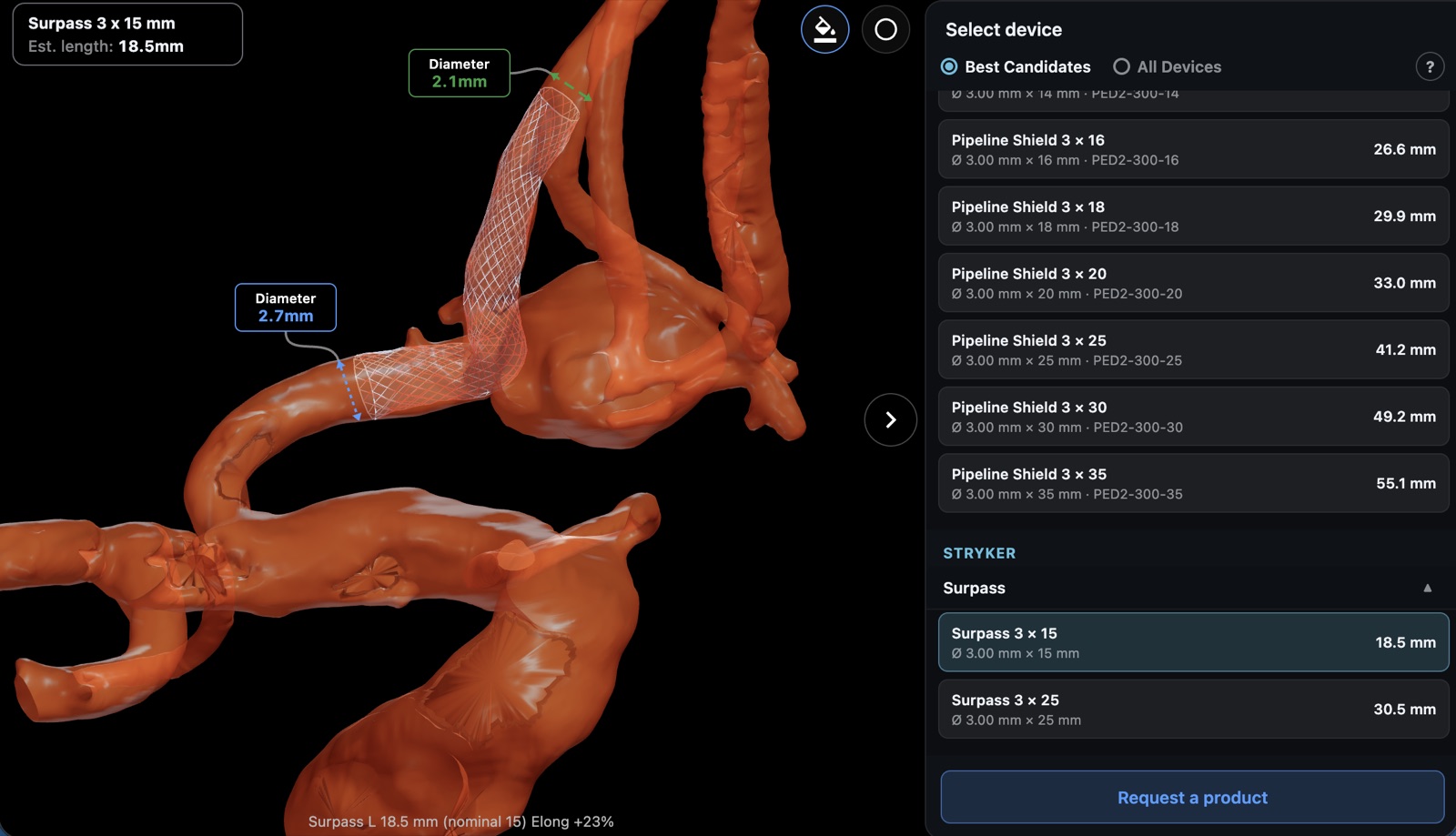
The vessels and aneurysm are segmented from the source volume into a 3D model. AngioSuite3D routes the parent vessel past the neck and measures the diameter along it; drag a handle to adjust the route, then accept.
Step 3
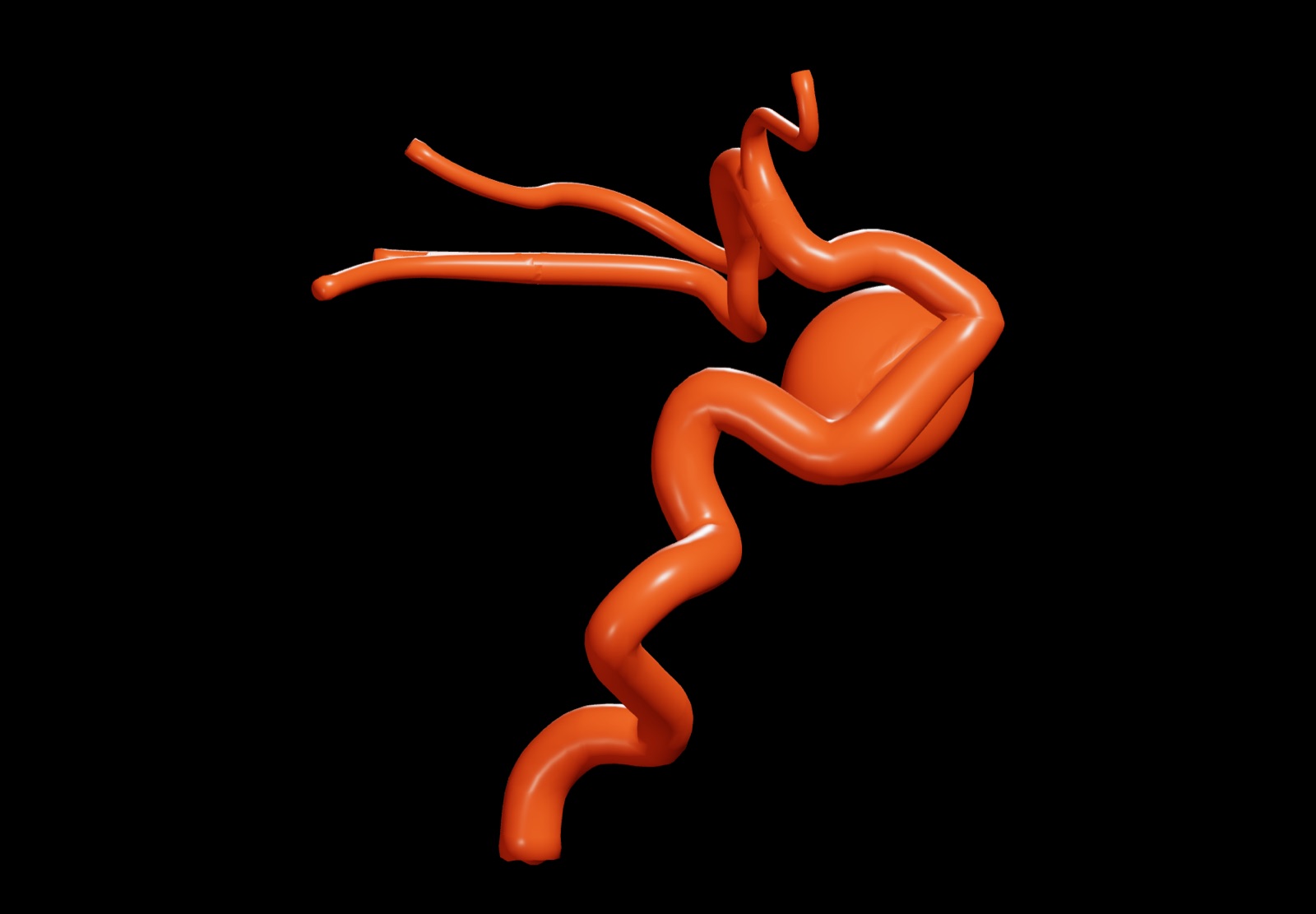
Place the device
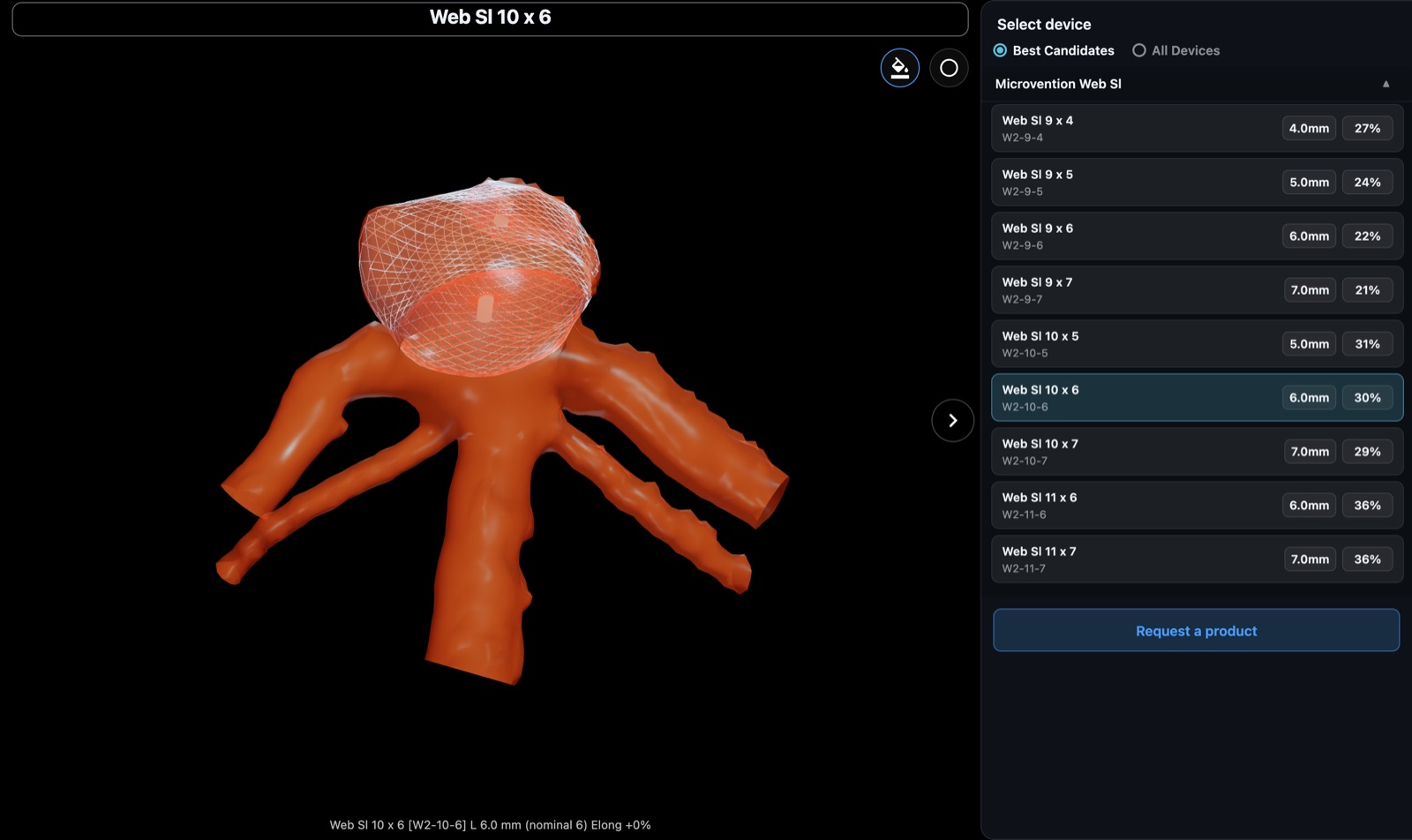
Choose a flow diverter or intrasaccular device and see it at true size in the reconstruction, with the estimated deployed length and the best-fitting sizes listed first.