 AngioSuite3D
Neurointerventional planning
See the aneurysm in 3D.
Size the device before the case.
AngioSuite3D builds a 3D model from the patient's DICOM study or a few measurements, places flow diverters and intrasaccular devices at true size, and checks catheter compatibility, on phone, tablet and web.
DICOM
Reconstruct from the patient's own scan
Load a 3D rotational angiography study and AngioSuite3D segments the vessels and aneurysm directly from the source volume. It routes the parent vessel past the neck and measures the diameter along the way, and you can drag the route before accepting it.
How DICOM works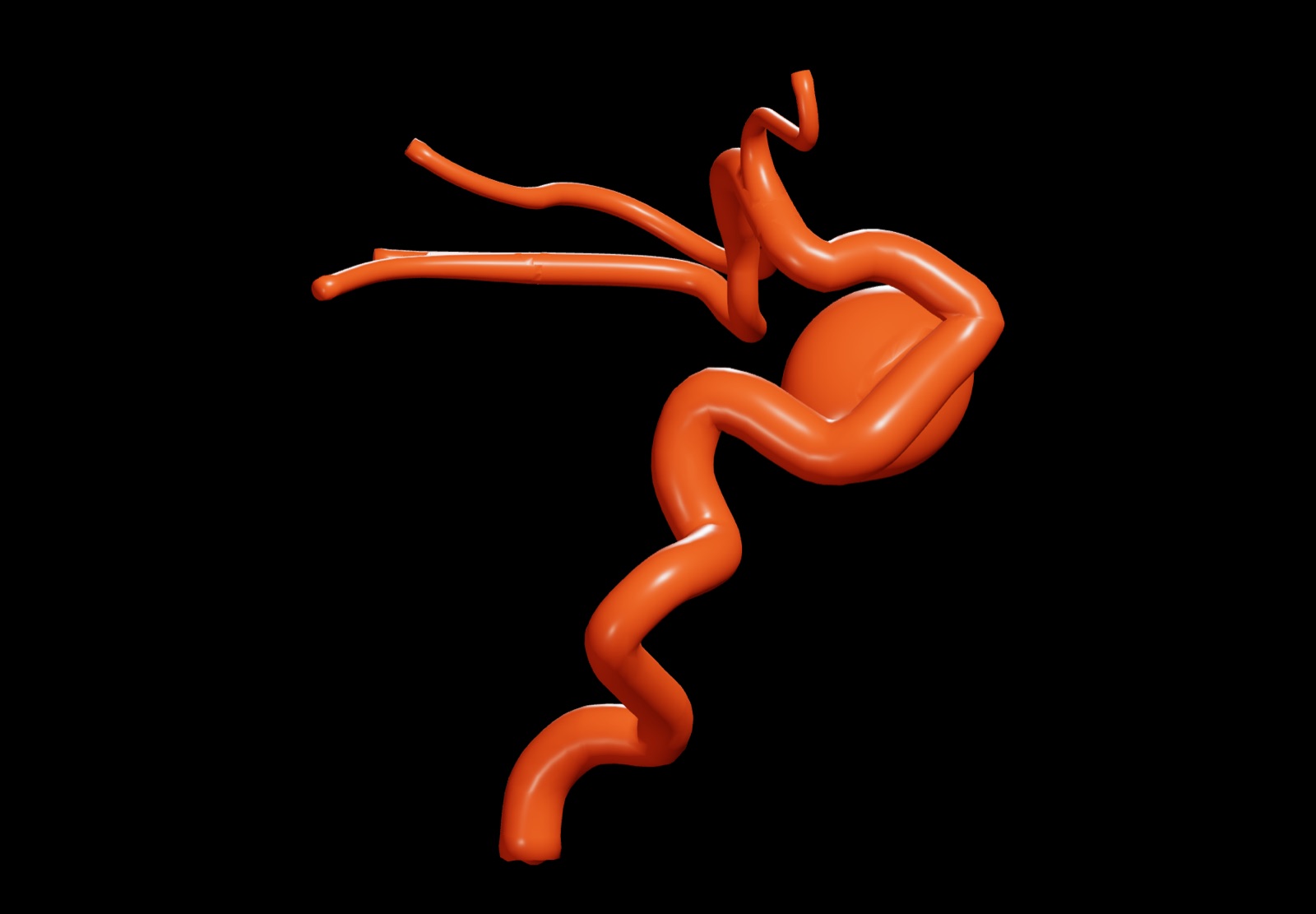
Place the device on the reconstruction
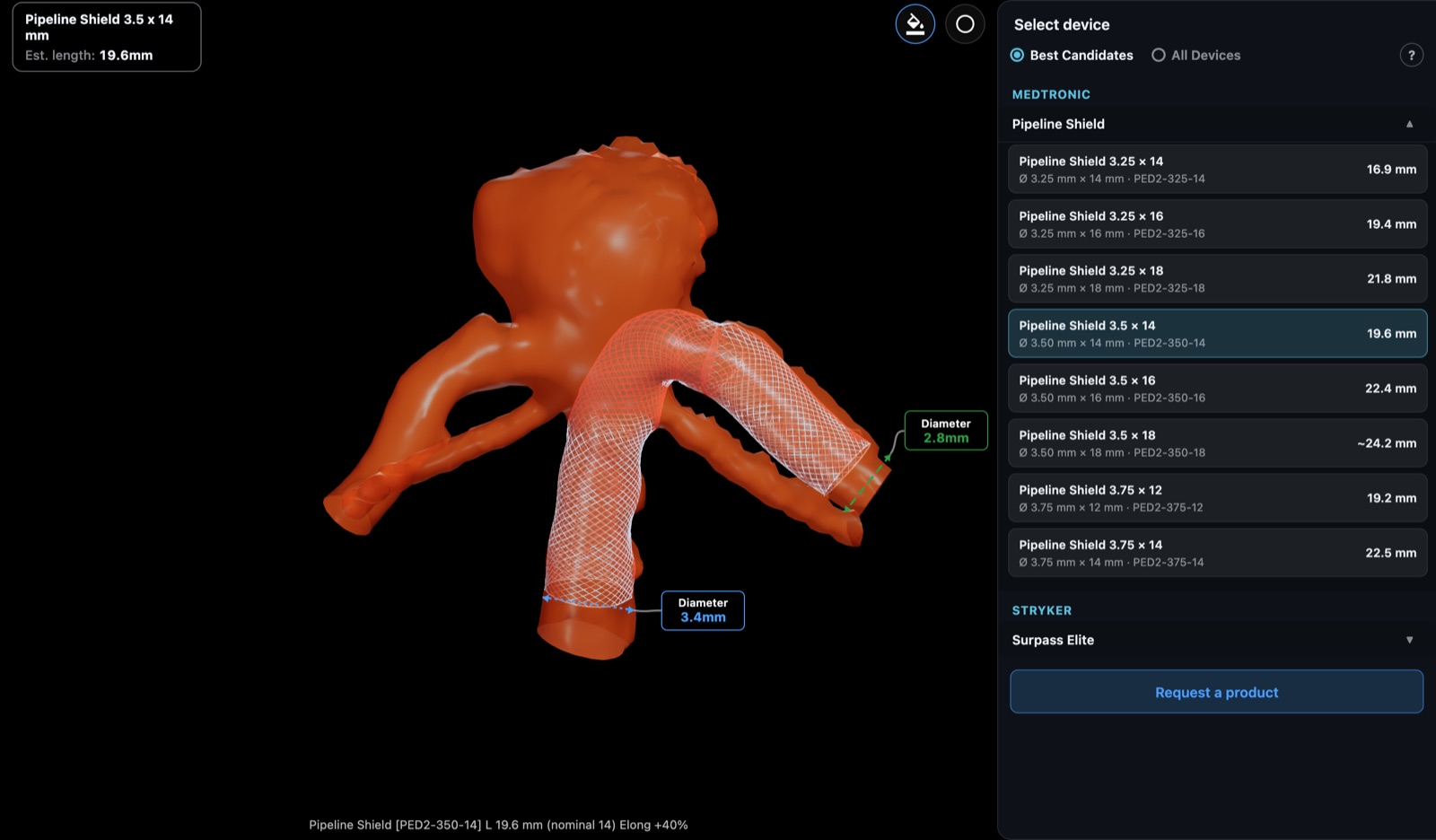
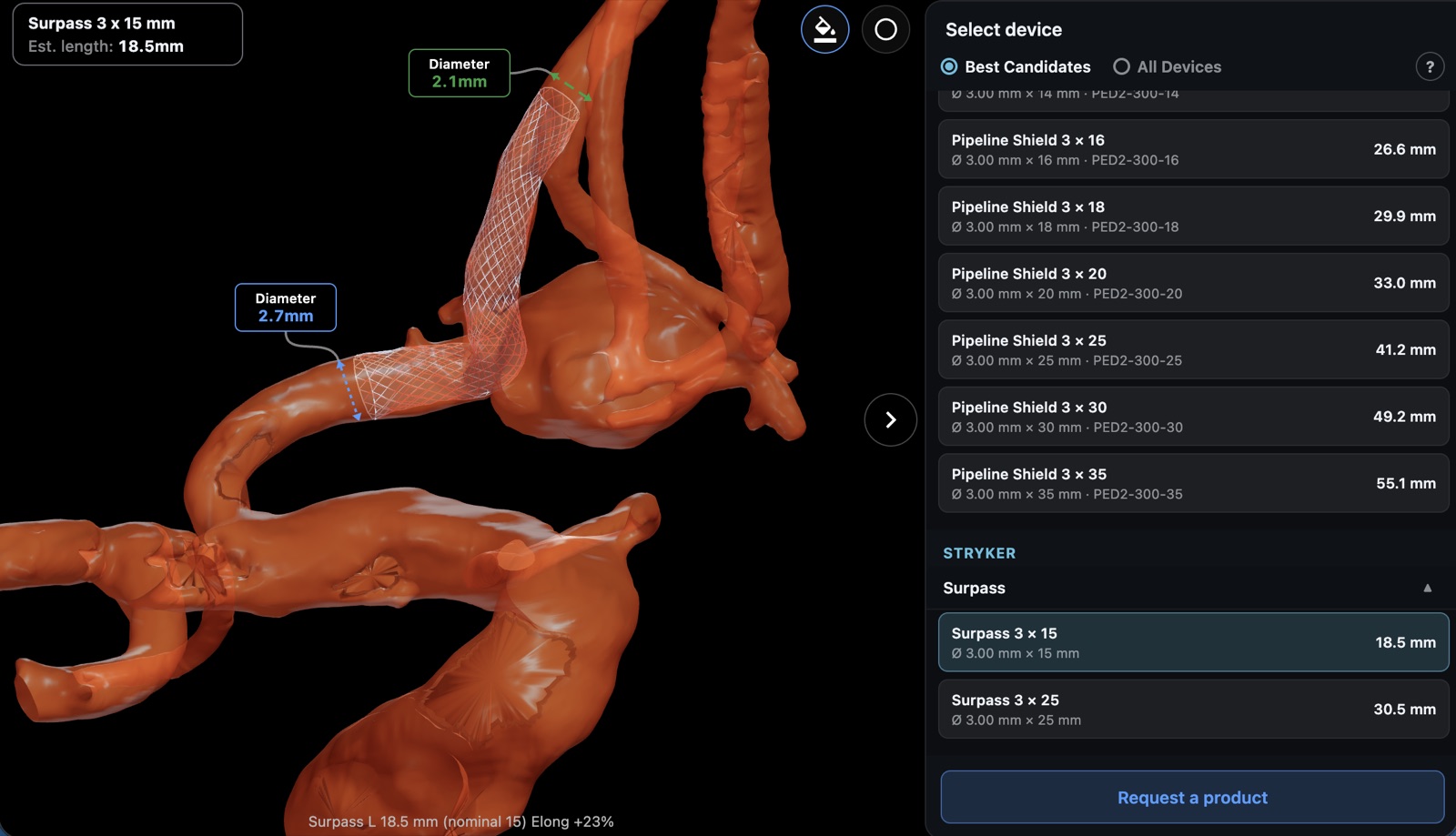
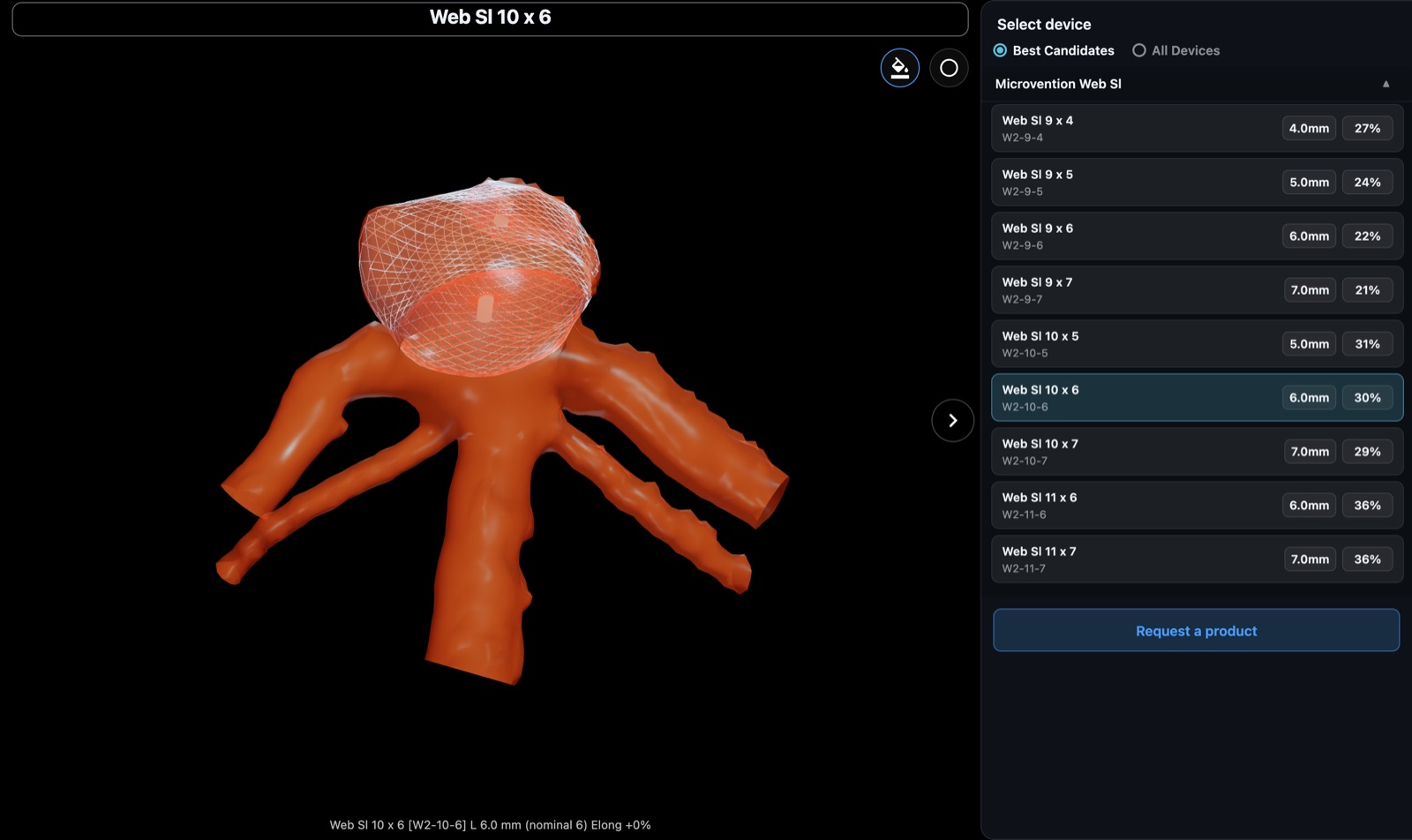
Have a 3D spin? Transfer it by thumb drive, pick a flow diverter or intrasaccular device and see it at true size in the patient's anatomy, with the estimated deployed length and the best-fitting sizes listed first. DICOM reconstruction is available by sponsor invitation.
Applications
One app, four planning tools
Flow Diversion
Measure the parent vessel and see a flow diverter deployed along it at true size.
Intrasaccular
Enter four aneurysm dimensions and compare intrasaccular devices seated in the sac.
Packing Density
Estimate sac volume from a matched 3D model and track packing density as you add coils.
Compatibility
Stack sheaths, guides, intermediate and microcatheters and check every fit at a glance.
No scan? Start from a model
Four numbers, one 3D model
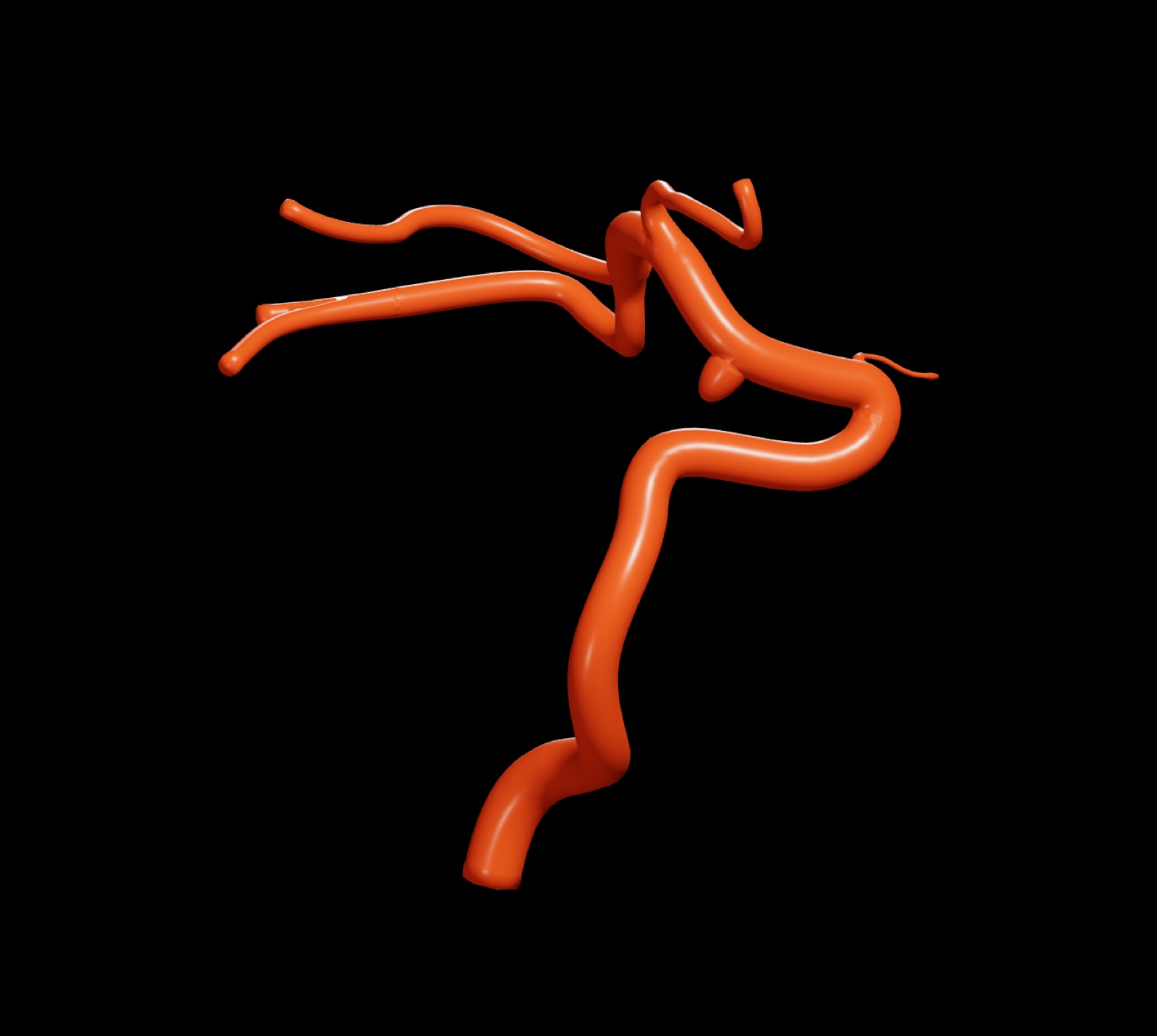
Pick the template that matches the anatomy, enter the dimensions from your angiogram, and the model updates as you type. 8 built-in templates cover side-wall, fusiform, bilobed and carotid anatomy, from a simple vessel to a full cavernous carotid.
Our sponsors
Supported by the companies that make the devices
Product data in AngioSuite3D comes from each sponsor's own catalogue.