 AngioSuite3D
Flow Diversion
Measure the parent vessel and see a flow diverter deployed along it at true size.
- Click the vessel either side of the aneurysm and enter the proximal and distal diameters.
- Neck length and total treated length are measured along the centerline as you go.
- Adjust tortuosity or enter a known length to match the patient's anatomy.
- Pick a device and size: the app places it, estimates the deployed length and flags poor fits.
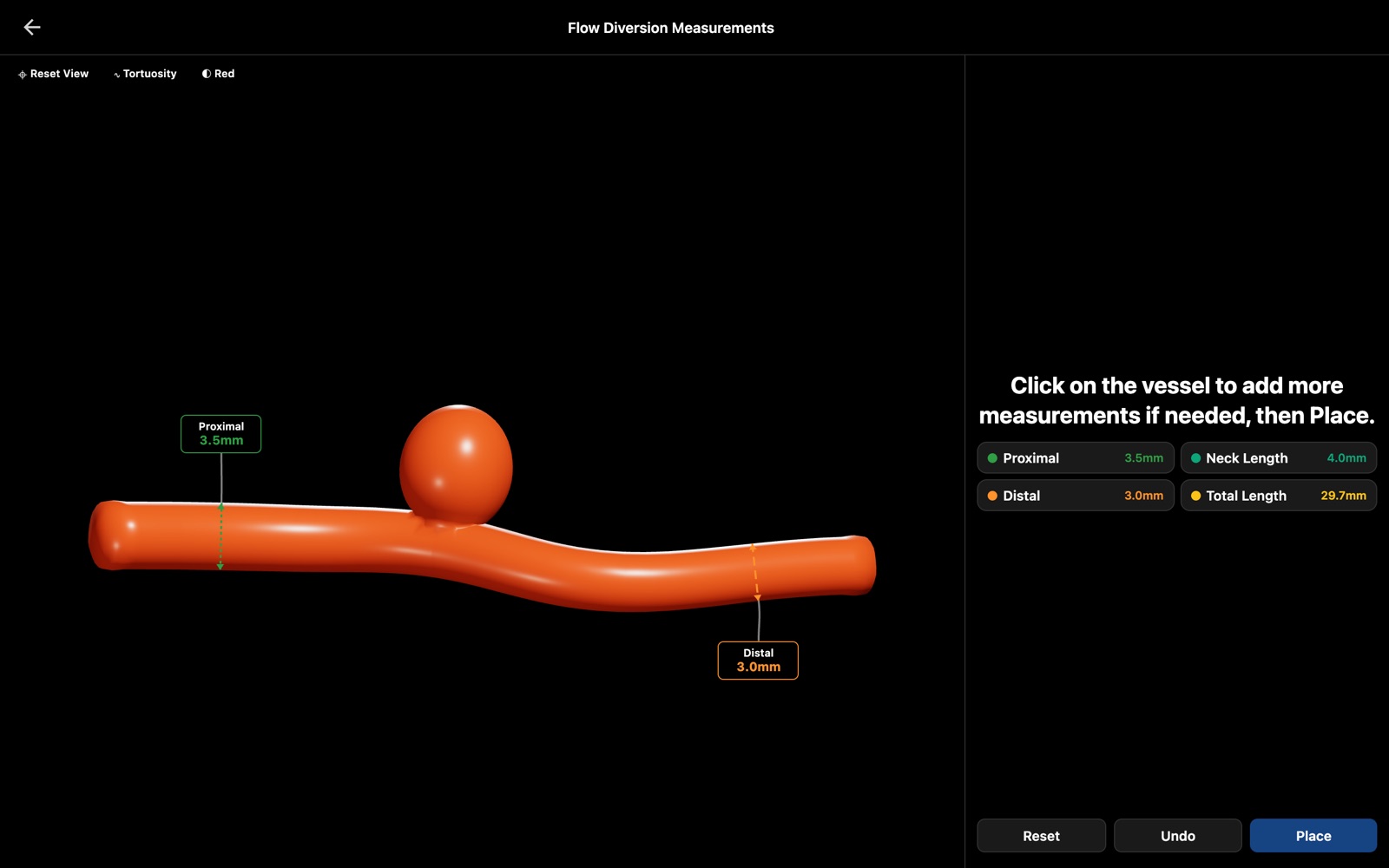
In the app
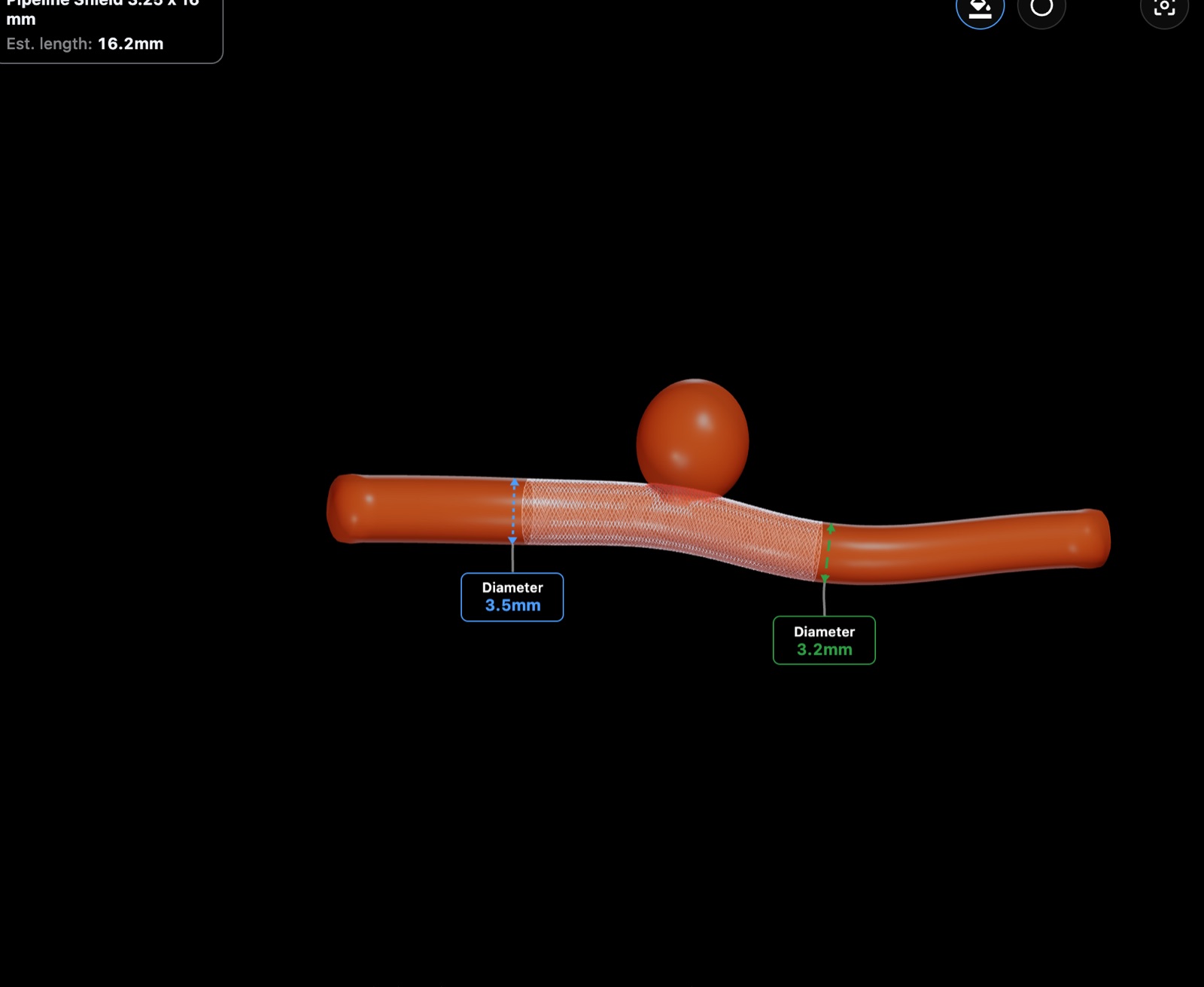
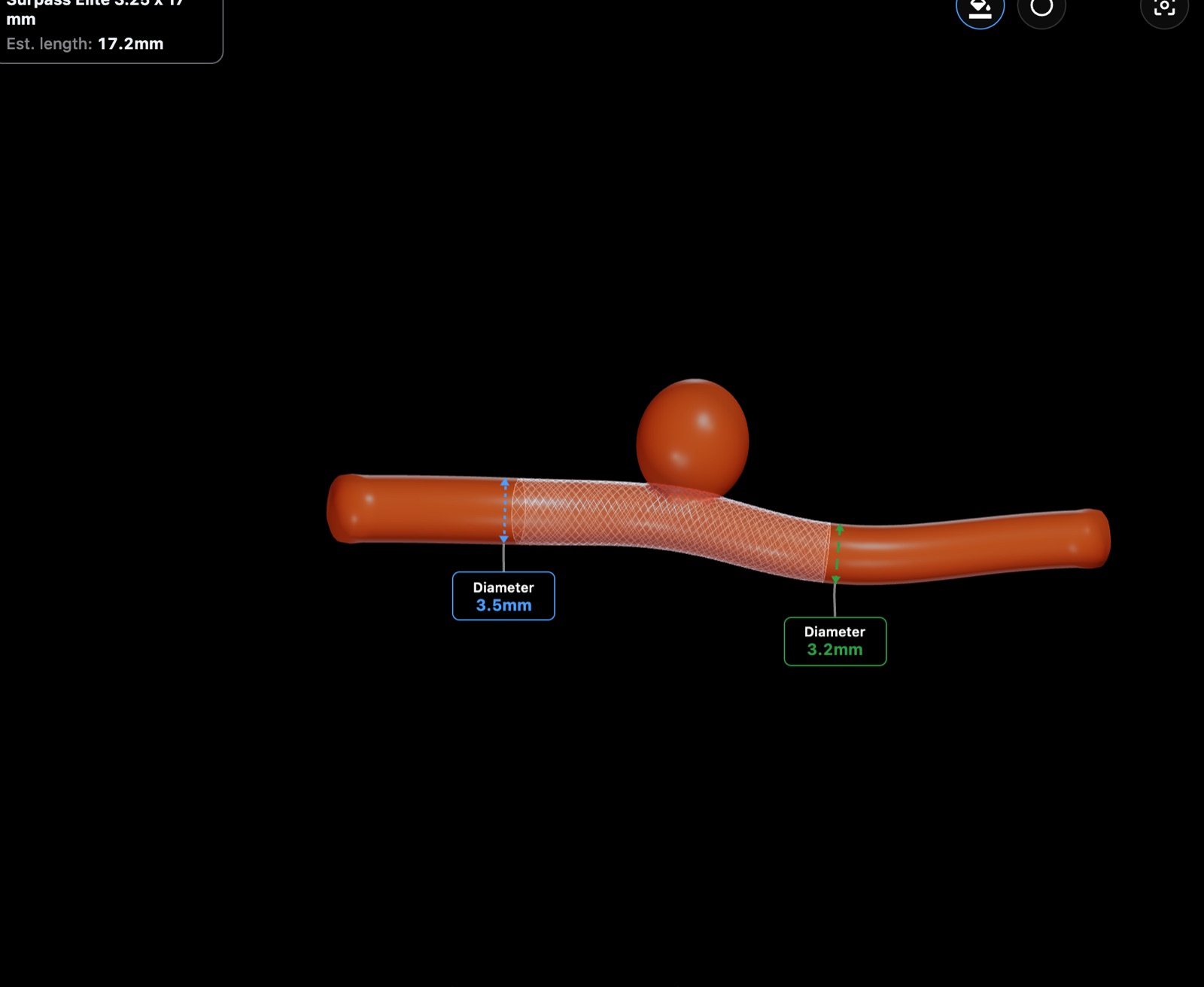
Templates for Flow Diversion
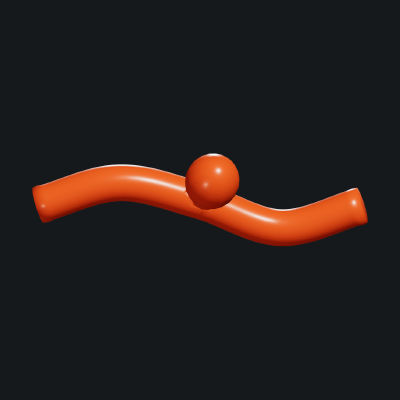
Saccular
A single vessel with a saccular aneurysm on its side wall.
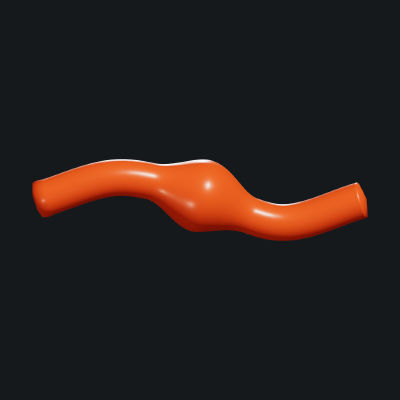
Fusiform
A single vessel with a spindle-shaped bulge along its length.
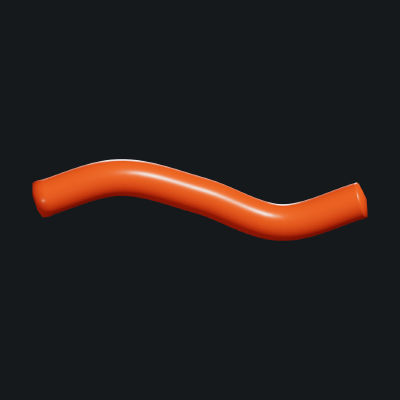
Parent Artery
A straight parent artery with no aneurysm, for vessel-only measurements.
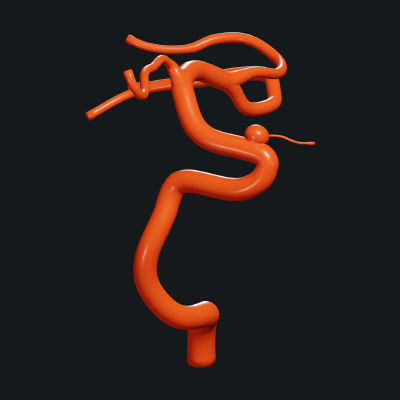
Ophthalmic
Carotid anatomy with an ophthalmic-segment aneurysm.
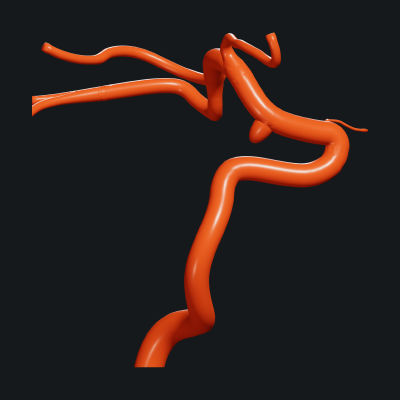
Communicating
Carotid anatomy with a communicating-segment aneurysm.
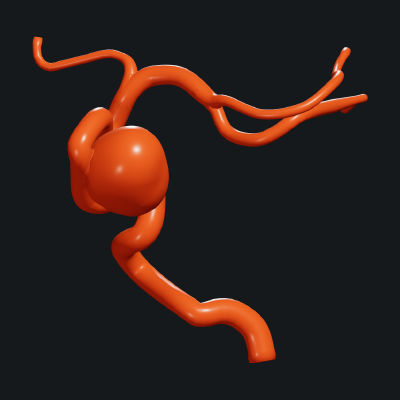
Cavernous
Carotid anatomy with a cavernous-segment aneurysm.
Flow diverters in the catalogue
A sample from each sponsor; the app lists every enabled size and variant.
Medtronic
- Pipeline Shield
Stryker
- Surpass